
Derivatives review done. Integrals tomorrow.
Online Pomodoro timer
Study. Rest. Repeat.
A free online Pomodoro timer: 25 minutes of focus and 5 of rest, no sign-up. And POMONDOR, the iPhone and iPad app, for when you want to study with others.
Focus
25:00
A soft chime plays when each phase ends, even from another tab.
02Clock faces
Ten clock faces.
Pick yours.
From the classic ring to a garden that grows while you study.
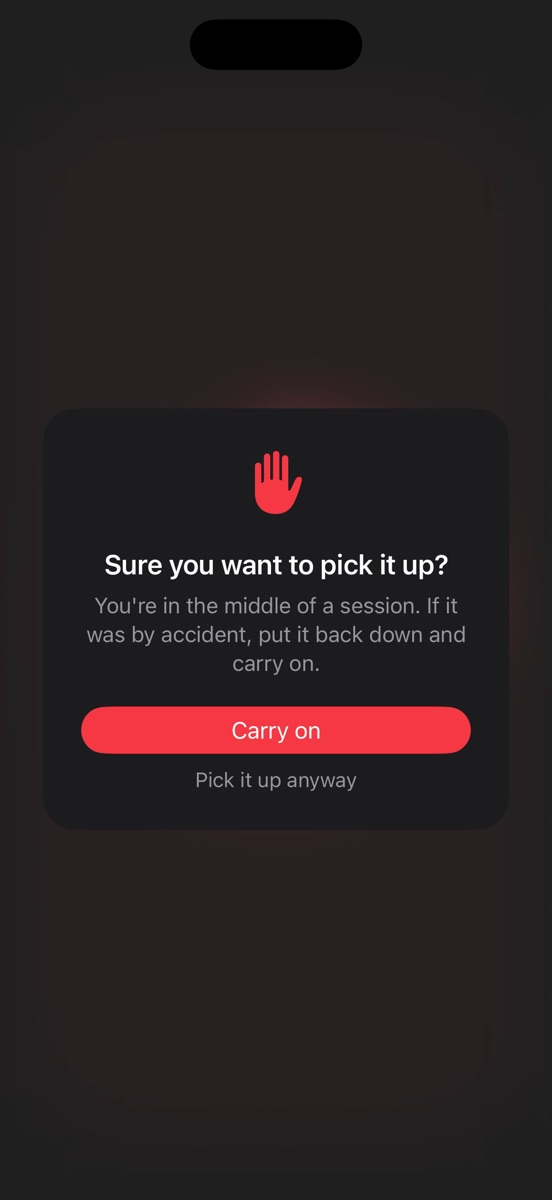
03Phone check
Think twice
before you grab it.
Lift your phone mid-session and it asks you first. So picking it up is a decision, not a reflex.
04Full screen
Prop it up. Focus.
Turn it and the clock fills the screen. With Shade mode, so it won't distract you from the desk.
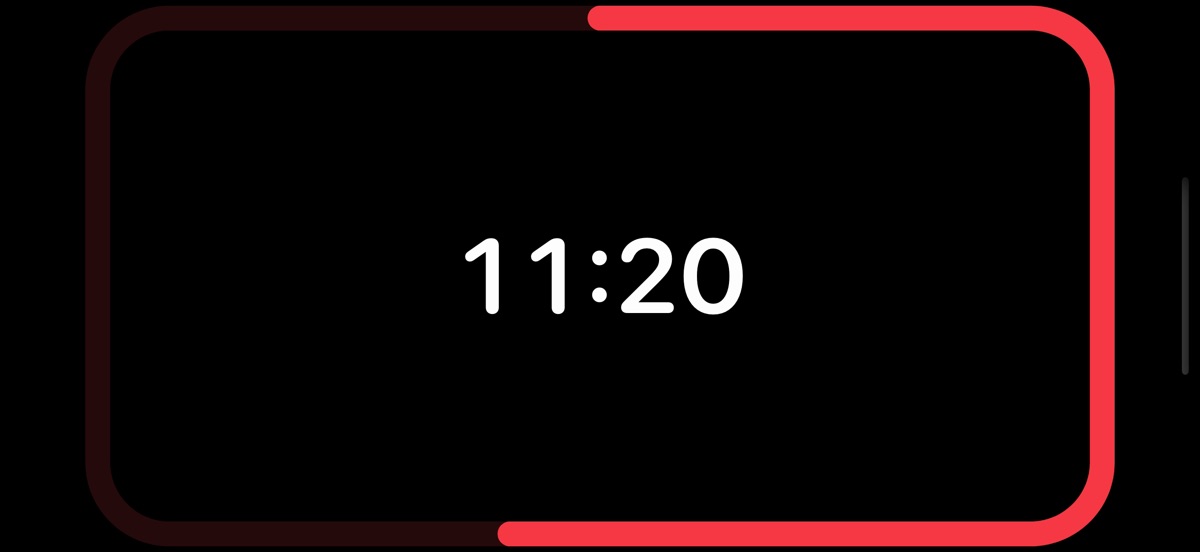
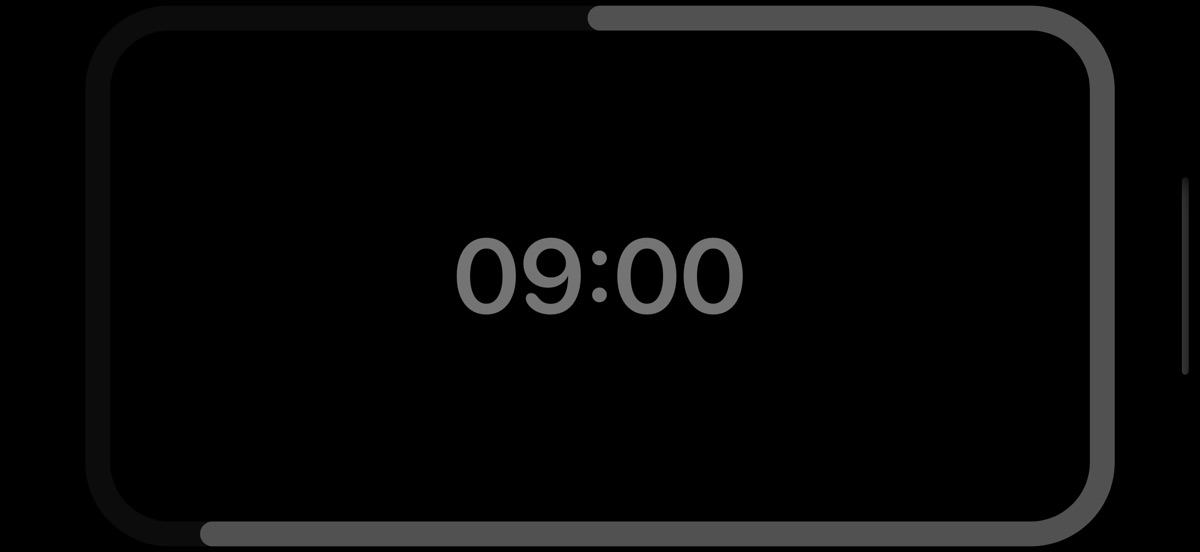
On iPad it kicks in when you stop touching it. Try it here: don't touch anything for eight seconds.
05Rooms
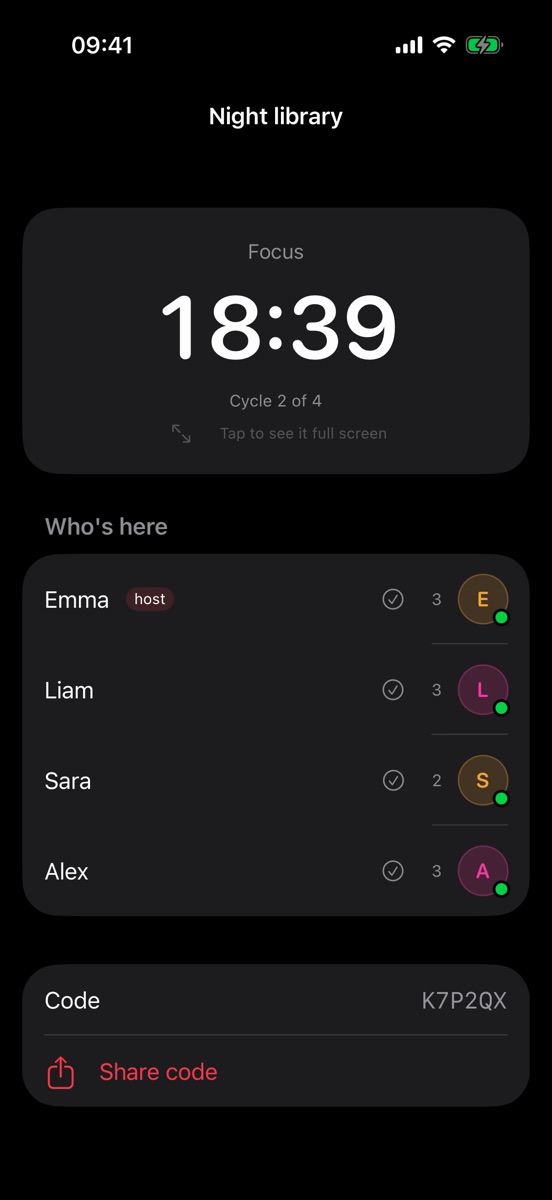
Study together.
Live rooms with one clock for the whole group, even when everyone is at home.
K7P2QX
Join with a six-character code. No searching for people, no friend requests.
06Shared folders
Share every
session.
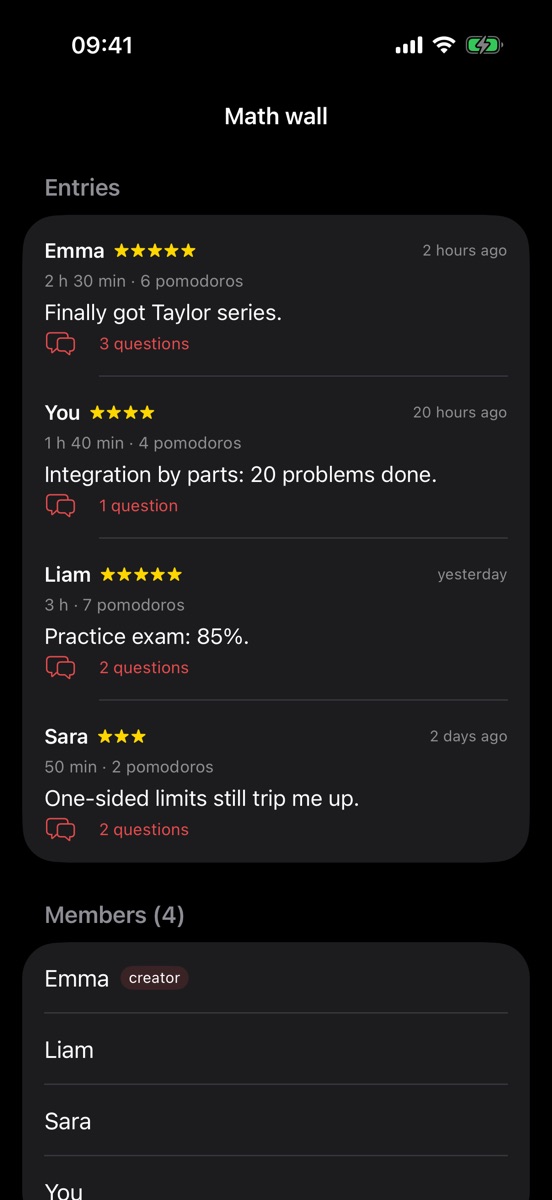
A wall for each subject where your group shares how it went. And anyone can ask.
Anyone have the unit 4 exercises solved?
2 replies07Consistency
Your consistency,
day by day.
Every day you study lights up. At a glance, what really matters: which days you showed up.
08Calendar
It splits the
hours for you.
Add the exam date and the hours you want to put in. The load grows as the day gets closer.
TodayExam
PROUnlocked
Free to study.
Pro to go further.
Free
- Unlimited pomodoros, on your timings
- Classic and digital clock faces
- Stats and CSV export
- Join rooms and folders with a code
- Full screen and Shade mode
Pro
- Calendar and study plans
- Create rooms and shared folders
- Charts and group performance
- Phone guard
- All ten clock faces
Monthly or yearly, no commitment.
Only love one clock face? Buy it once and it's yours forever.
09The technique
What is the
Pomodoro Technique.
Francesco Cirillo came up with it in the late 1980s, using a tomato-shaped kitchen timer: pomodoro is Italian for tomato. The idea is simple: working in short bursts with fixed breaks is less tiring and more focused than a whole afternoon in front of the book.
- 1
Pick one task
Just one: a topic, a set of exercises, an assignment. Whatever you'll do during the pomodoro.
- 2
Work for 25 minutes
No phone and no switching tasks. If something else comes to mind, jot it down and carry on.
- 3
Rest for 5 minutes
Stand up, drink some water, look out of the window. The break is part of the method too.
- 4
Every four, a long one
After four pomodoros, take 15 to 30 minutes off. In the app, the clock does it for you.
10Questions
Frequently asked questions.
Is the online Pomodoro timer free?
Yes. The one on this page is free, with no sign-up and no ads. It works in your browser on desktop and mobile.
Why 25 minutes?
It's the technique's original length: long enough to make progress and short enough to keep your focus. In the app you can set any length you like.
Does it keep counting if I switch tabs?
Yes. Time is worked out from the end time, not a counter, so it stays right when you switch tabs, and the chime plays on time. On a phone, if you lock the screen the browser goes to sleep: that's what the app is for, since it alerts you with the phone locked.
What should I do during breaks?
Something that isn't a screen: stretch, drink water, walk around a bit. Picking up your phone during the break is the fastest way not to get back to work.
Does the Pomodoro Technique work for studying?
It's one of the most popular ways to study: it helps you get started, see how much you really study and spread the effort into short sessions. Many students chain blocks of four pomodoros with a long break.
What does the POMONDOR app add?
Ten clock faces, rooms to study at the same time as your friends, folders for each subject, stats and a calendar that splits the hours until the exam. Coming soon to the App Store for iPhone and iPad.
05:00Break
You've earned
a break.
And when you're back, POMONDOR will be on the App Store.
Coming soon to the App Store